

Microsoft SharePoint (User Training)
SharePoint is a cloud-based platform for creating, sharing and managing documents, sites and workflows with your team — storing files, communicating updates, tracking tasks and collecting feedback in one place.
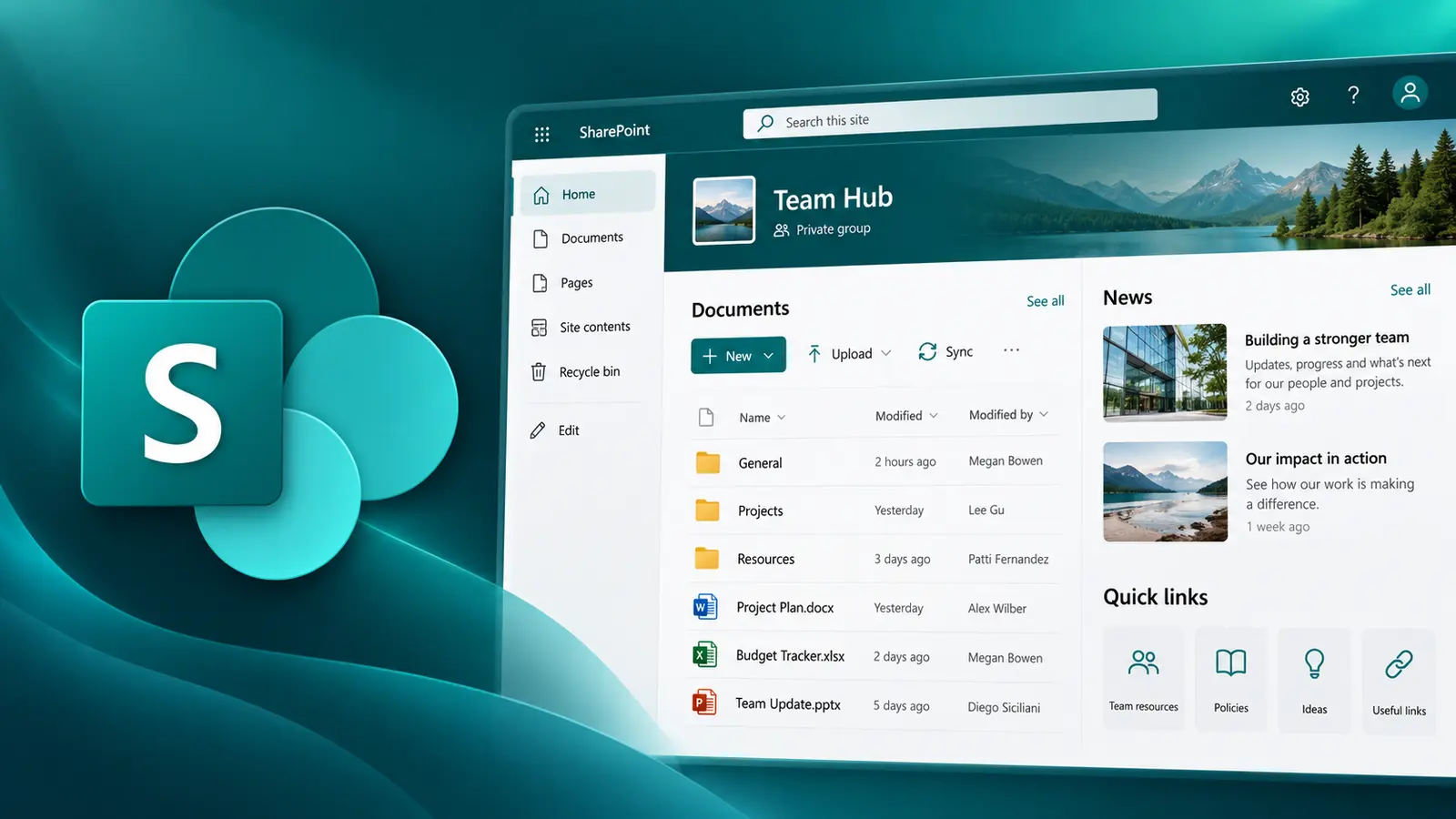
- Delivery
- 6 hours
- Delivery
- Live online · English or French
- Price
- C$399
Per participant. Prices exclude HST and GST.

What you'll walk away with
- Navigate sites, libraries and lists confidently
- Manage documents, versions and permissions
- Work with SharePoint from Office, Teams and OneDrive
Course objectives
- Create SharePoint sites
- Customise page layout and design
- Create and manage SharePoint document libraries
- Integrate Microsoft apps with SharePoint
- Work with SharePoint lists
- Set permissions and security
- Use workflow and automation
Course outline
Unit 1: Opening and Navigating a SharePoint Team Site
- What is SharePoint and what are SharePoint sites?
- SharePoint groups and permissions
- Site hierarchy and team sites
- Elements of the SharePoint user interface
- Lists, libraries and apps
Unit 2: Working with SharePoint Content
- What are SharePoint libraries?
- Adding documents to libraries
- Using apps with SharePoint
- Using SharePoint search and alerts
- Viewing document properties
Unit 3: Using SharePoint Lists
- Types of lists available
- Modifying list items
- Configuring and working with list views
- Filter, group and sort list data
Unit 4: Collaboration & Sharing Features
- SharePoint profiles and profile permissions
- Sharing files
- SharePoint and OneDrive for Business
Unit 5: Using SharePoint with Microsoft Office
- Opening and saving SharePoint documents from Office
- Document versioning and check in/check out
- Recovering deleted items
- Accessing SharePoint using Outlook and Teams
Unit 6: Syncing SharePoint with OneDrive
- Synchronising OneDrive with SharePoint
- Using SharePoint on a mobile device
Related courses
Foundation · 6 hours
Collaborating with Microsoft Teams
Transform your team's productivity with the collaborative world of Microsoft Teams — seamless communication, enhanced collaboration and improved efficiency on one powerful platform.
Intermediate · 6 hours
Collaborating with Microsoft Loop
Loop is a versatile tool that lets you merge documents, spreadsheets and other files into one workspace, so you can monitor progress, exchange information and work with your team live.
Want this course for your team?
I deliver every session personally, 100% live online, in a full day or two half days — in English or French.
