
Collaborating with Microsoft Loop
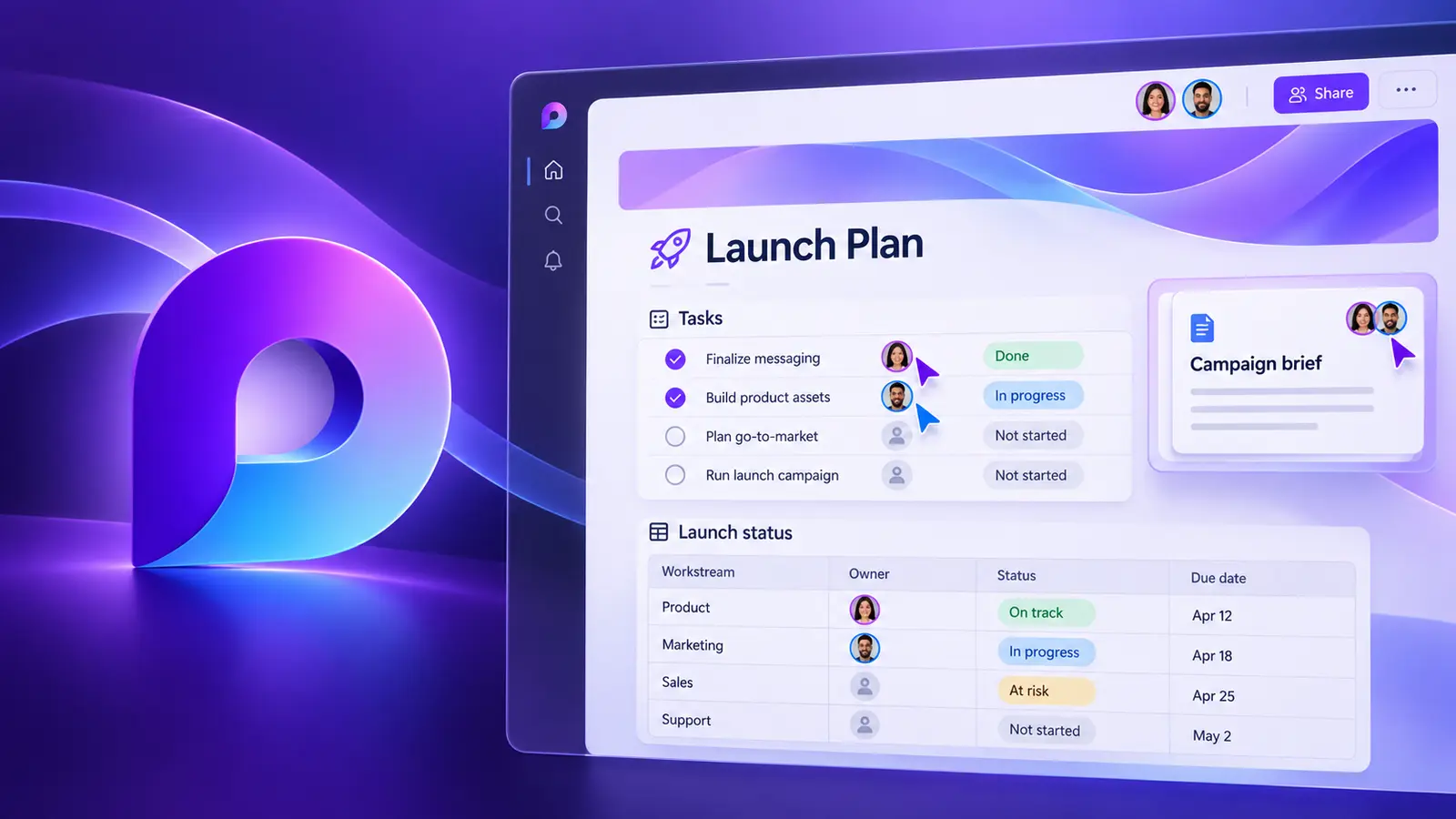
Loop is a versatile tool that lets you merge documents, spreadsheets and other files into one workspace, so you can monitor progress, exchange information and work with your team live.
- Delivery
- 6 hours
- Delivery
- Live online · English or French
- Price
- C$399
Per participant. Prices exclude HST and GST.

What you'll walk away with
- Create and organise Loop components, pages and workspaces
- Co-author with colleagues, partners and guests
- Embed Loop content across Microsoft 365
Course objectives
- Create and edit fluid components such as notes, tables, lists and images
- Organise your components using workspaces, folders and tags
- Access and edit your components from any device and browser
- Use templates and styles to customise your components
- Share and co-author your components with external partners and guests
- Leverage the power of AI and smart features
- Integrate your components with apps like Teams, Outlook and OneNote
Course outline
Unit 1: Overview of Microsoft Loop
- The Loop interface and features
- Setting up and organising Loop workspaces
- Creating Loop pages and adding elements
Unit 2: Creating Loop Components
- What Loop components are and how they boost collaboration
- Creating and customising Loop components
- Using components in Teams, Outlook and SharePoint
- Sharing and managing components with others
Unit 3: Creating Loop Pages
- Create a page from scratch or from a template
- Add and edit components on a page
- Use the Loop toolbar to format and organise pages
- Share and collaborate on a Loop page
Unit 4: Creating Loop Workspaces
- Why workspaces are useful for collaborative work
- Inviting and managing members, roles and permissions
- Customising and organising a workspace
- Sharing and exporting workspace content
Unit 5: Working with Loop Components in Microsoft 365
- Integrating Loop with SharePoint, Power Automate and Power BI
- Creating, editing and sharing components in Word, Outlook, Teams and OneNote
Related courses
Foundation · 6 hours
Collaborating with Microsoft Teams
Transform your team's productivity with the collaborative world of Microsoft Teams — seamless communication, enhanced collaboration and improved efficiency on one powerful platform.
Foundation · 6 hours
Microsoft SharePoint (User Training)
SharePoint is a cloud-based platform for creating, sharing and managing documents, sites and workflows with your team — storing files, communicating updates, tracking tasks and collecting feedback in one place.
Want this course for your team?
I deliver every session personally, 100% live online, in a full day or two half days — in English or French.
