
'%20gradientUnits='userSpaceOnUse'%20r='1'%3e%3cstop%20offset='0'%20stop-color='%236d05e8'/%3e%3cstop%20offset='1'%20stop-color='%236d05e8'%20stop-opacity='0'/%3e%3c/radialGradient%3e%3clinearGradient%20id='b'%20gradientUnits='userSpaceOnUse'%20x1='14.2'%20x2='10.9'%20y1='9.1'%20y2='22.6'%3e%3cstop%20offset='0'%20stop-color='%239237e3'/%3e%3cstop%20offset='1'%20stop-color='%2348e6f3'/%3e%3c/linearGradient%3e%3clinearGradient%20id='c'%20gradientUnits='userSpaceOnUse'%20x1='8.5'%20x2='17.3'%20y1='20.5'%20y2='18.5'%3e%3cstop%20offset='0'%20stop-color='%2351e6ff'/%3e%3cstop%20offset='1'%20stop-color='%2371d4ff'%20stop-opacity='0'/%3e%3c/linearGradient%3e%3clinearGradient%20id='d'%20gradientUnits='userSpaceOnUse'%20x1='6.1'%20x2='11.2'%20y1='12.7'%20y2='5.5'%3e%3cstop%20offset='0'%20stop-color='%236e06e9'/%3e%3cstop%20offset='1'%20stop-color='%23ab5add'%20stop-opacity='0'/%3e%3c/linearGradient%3e%3cpath%20d='m12%202a10%2010%200%200%200%20-10%2010v10h10a10%2010%200%200%200%200-20zm0%206.5a3.5%203.5%200%201%201%200%207h-3.5v-3.5a3.5%203.5%200%200%201%203.5-3.5z'%20fill='url(%23b)'/%3e%3cpath%20d='m22%2012a10%2010%200%200%201%20-10%2010h-10a6.5%206.5%200%200%201%206.5-6.5h3.5a3.5%203.5%200%200%200%203.5-3.5z'%20fill='url(%23c)'/%3e%3cpath%20d='m22%2012a10%2010%200%200%201%20-10%2010h-10a6.5%206.5%200%200%201%206.5-6.5h3.5a3.5%203.5%200%200%200%203.5-3.5z'%20fill='none'/%3e%3cpath%20d='m22%2012a10%2010%200%200%201%20-10%2010h-10a6.5%206.5%200%200%201%206.5-6.5h3.5a3.5%203.5%200%200%200%203.5-3.5z'%20fill='none'/%3e%3cpath%20d='m12%202a10%2010%200%200%200%20-10%2010v10a6.5%206.5%200%200%200%206.5-6.48l.02-.02h-.02v-3.5a3.5%203.5%200%200%201%206-2.46l4.6-4.58a9.97%209.97%200%200%200%20-7.1-2.96z'%20fill='url(%23d)'/%3e%3cpath%20d='m12%202a10%2010%200%200%200%20-10%2010v10a6.5%206.5%200%200%200%206.5-6.48l.02-.02h-.02v-3.5a3.5%203.5%200%200%201%206-2.46l4.6-4.58a9.97%209.97%200%200%200%20-7.1-2.96z'%20fill='url(%23a)'/%3e%3c/svg%3e)
Collaborating with Microsoft Loop
Loop is a versatile tool that lets you merge documents, spreadsheets and other files into one workspace, so you can monitor progress, exchange information and work with your team live.
View courseMicrosoft Teams Training
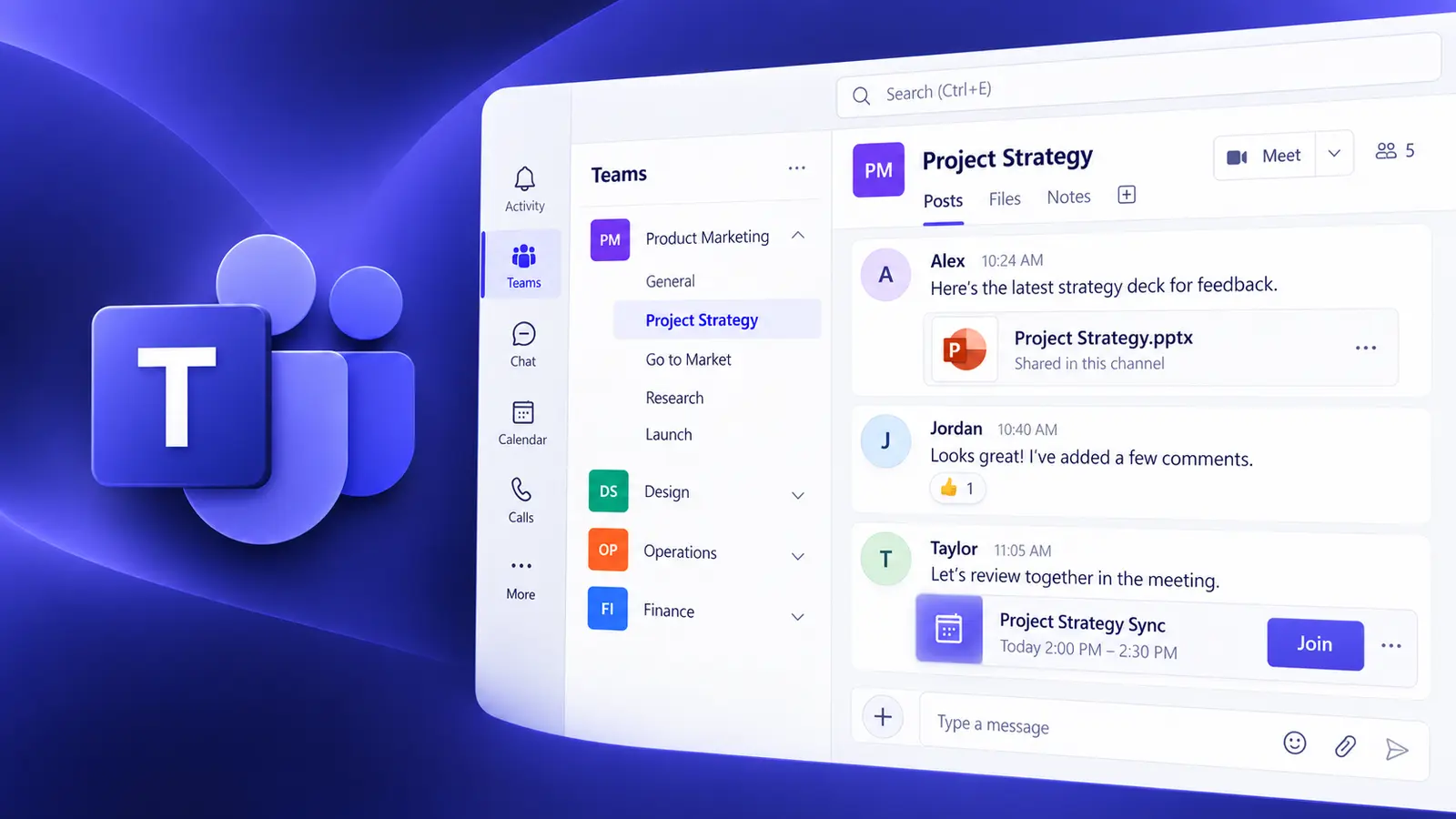
Transform your team's productivity with the collaborative world of Microsoft Teams — seamless communication, enhanced collaboration and improved efficiency on one powerful platform.
What you'll be able to do
Organize teams, channels and files properly.
Communicate clearly in chats and channels.
Plan and lead effective Teams meetings.
Bring work together with Teams apps.
Course content
This course combines live instruction, demonstrations and practical exercises.
Upcoming Teams Training
New training dates are added regularly.
Continue your Teams learning
Loop is a versatile tool that lets you merge documents, spreadsheets and other files into one workspace, so you can monitor progress, exchange information and work with your team live.
View course
Live instruction
Live, guided practice with time for questions and feedback. Ask about a private session tailored to your team.