
All Copilot courses

½ day Copilot series

Copilot in Teams

Run Better Meetings and Collaboration with Copilot

½ day (3 hours) Live online — English or French Intermediate Approximately 75% hands-on practice
Register

C$249 per workshop, per person

Course overview

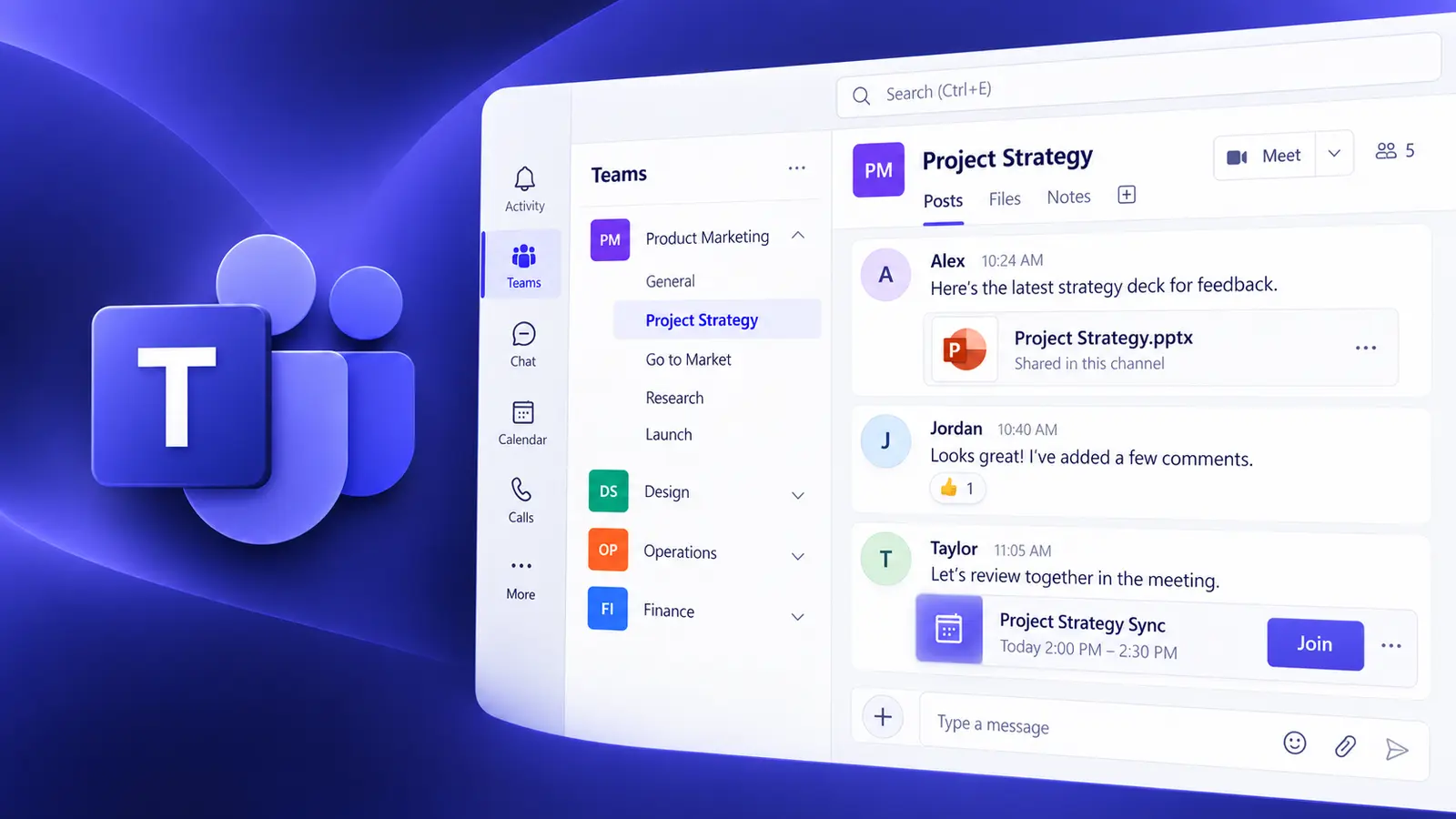
Microsoft 365 Copilot in Teams can help you run better meetings, catch up on conversations you missed, and keep collaboration on track. This focused, hands-on workshop concentrates on the Teams workflows that provide the greatest productivity gains for people who live in meetings, chats and channels.

Participants learn how to use Copilot during live meetings, work with Facilitator and AI-generated notes, generate recaps and action items, follow up after meetings, and catch up on chats and channels. The session also covers how to use Copilot before, during and between meetings.

The session applies the Goal, Context, Constraints and Sources prompt framework throughout, with approximately 75% of the time spent on practical exercises using realistic meeting and collaboration scenarios.

Course agenda

Unit 1 — Working Effectively with Copilot in Teams

15 minutes

  • Understand where Copilot appears in Teams
  • Work with Copilot in meetings, chats and channels
  • Understand what information Copilot uses
  • Understand transcription and meeting settings
  • Consider permissions and limitations
  • Apply Goal, Context, Constraints and Sources to Teams prompts

Unit 2 — Copilot During Meetings

45 minutes

  • Catch up when joining a meeting late
  • Summarize the discussion so far
  • Ask what has been discussed
  • Identify important points
  • Determine what individual participants said
  • Identify agreement and disagreement
  • Surface unresolved questions
  • Track decisions
  • Generate action items
  • Ask useful follow-up questions
  • Validate Copilot's interpretation

Hands-on practice: Interrogate a realistic meeting scenario using progressively more sophisticated questions.

Unit 3 — Facilitator and AI-Assisted Meetings

35 minutes

  • Understand Facilitator
  • Work with AI-generated collaborative notes
  • Create and work with meeting agendas
  • Establish meeting goals
  • Track agenda topics
  • Capture decisions
  • Capture open questions
  • Capture action items
  • Review and edit AI-generated notes

Hands-on practice: Work with an AI-assisted meeting and evaluate and improve the resulting meeting notes.

Break

10 minutes

Unit 4 — Recap and Post-Meeting Follow-Up

40 minutes

  • Work with Recap
  • Analyze meeting transcripts
  • Find decisions and commitments
  • Identify responsibilities
  • Surface unanswered questions
  • Generate follow-up information
  • Work with AI-generated notes
  • Turn meeting information into useful business outputs
  • Verify summaries and actions against the discussion

Hands-on practice: Convert a completed meeting into a concise summary, action list and follow-up communication.

Unit 5 — Copilot in Chats and Channels

30 minutes

  • Catch up on one-to-one and group chats
  • Summarize channel discussions
  • Generate thread summaries
  • Identify key points
  • Extract decisions and actions
  • Ask targeted questions
  • Specify useful time periods
  • Reconstruct project activity after time away

Hands-on practice: Catch up on several days of project communications and determine what changed and what requires attention.

Unit 6 — Bringing the Collaboration Lifecycle Together

5 minutes

  • Use Copilot before a meeting
  • Use Copilot during a meeting
  • Use Copilot after a meeting
  • Use Copilot between meetings
  • Choose the appropriate Teams Copilot capability for the task

Key takeaway

Participants leave with a practical workflow for using Copilot across the full Teams collaboration lifecycle—before, during and after meetings, as well as between meetings in chats and channels.

What we cover

  1. 1Working effectively with Copilot in Teams
  2. 2Copilot during meetings
  3. 3Facilitator and AI-assisted meetings
  4. 4Recap and post-meeting follow-up
  5. 5Copilot in chats and channels
  6. 6Bringing the collaboration lifecycle together