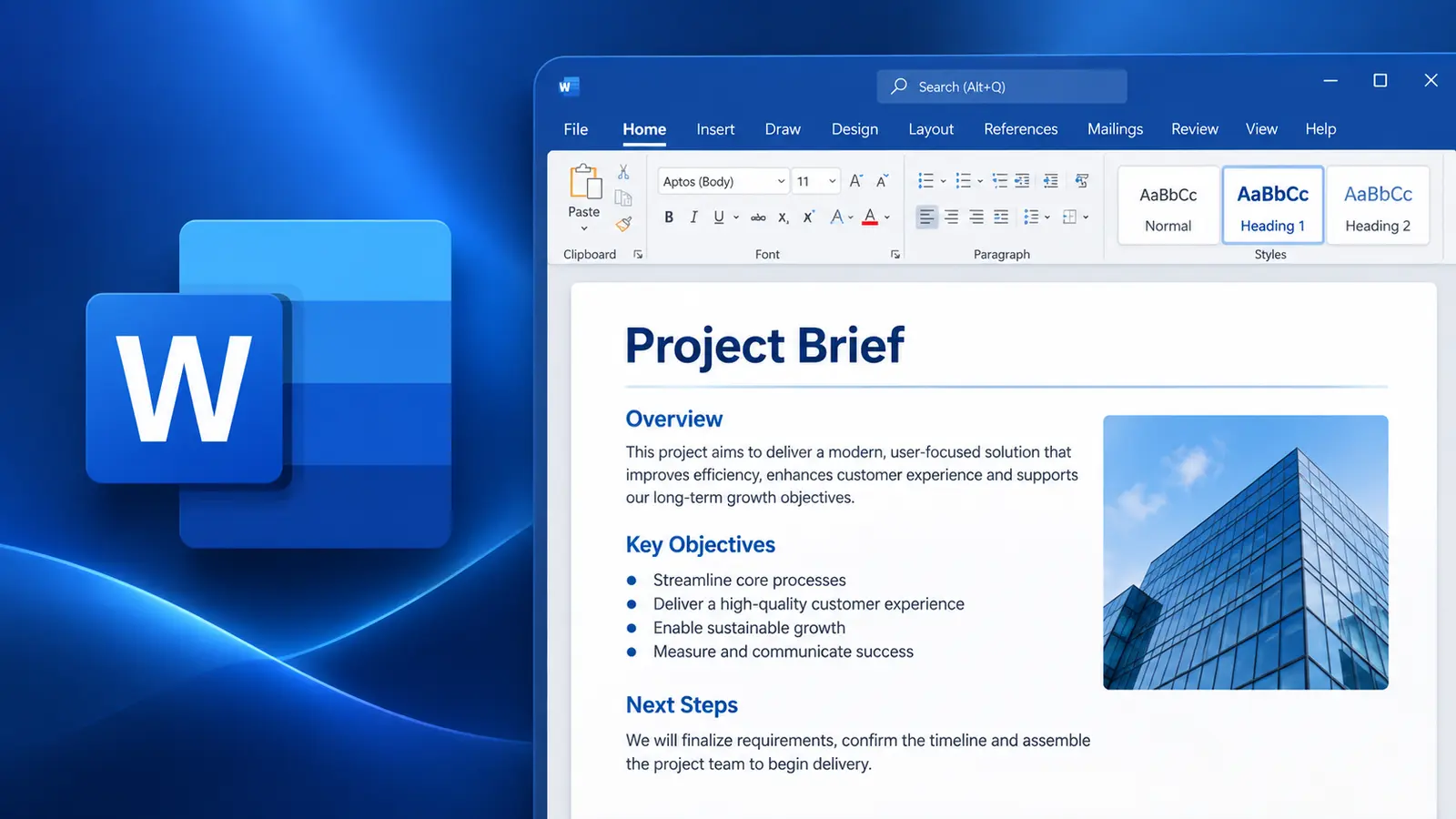

½ day Copilot series
Copilot in Word
Create, Rewrite and Refine Documents Faster
C$249 per workshop, per person
Course overview
Microsoft 365 Copilot in Word can turn a blank page into a solid first draft, transform existing content, and help you understand lengthy documents in minutes. This focused, hands-on workshop concentrates on the Word workflows that deliver the greatest productivity gains for business writers.
Participants learn how to create documents from prompts and source material, rewrite and reorganize content for different audiences, summarize and analyze long documents, and apply practical quality-control techniques to AI-generated drafts.
The session applies the Goal, Context, Constraints and Sources prompt framework throughout, with approximately 70% of the time spent on practical exercises using realistic business scenarios.
Course agenda
Unit 1 — Working Effectively with Copilot in Word
15 minutes
- Navigate Copilot within a document
- Work with Copilot Chat
- Use Edit with Copilot
- Understand document context
- Reference work information
- Apply Goal, Context, Constraints and Sources to Word prompts
Hands-on practice: Transform a vague document request into a well-constructed Word prompt.
Unit 2 — Create Documents from Prompts and Sources
45 minutes
- Create a document from a detailed prompt
- Define audience and purpose
- Specify tone and structure
- Generate an outline
- Create from notes and source material
- Reference existing files
- Ground content in work information
- Generate individual sections
- Add content to existing documents
- Iterate on initial drafts
Hands-on practice: Progressively build a business document—create the outline, generate source-grounded content and add required sections.
Unit 3 — Rewrite, Transform and Edit Documents
45 minutes
- Rewrite selected content
- Make content more concise
- Change tone
- Adapt content for different audiences
- Improve clarity
- Reorganize information
- Improve document flow
- Add missing sections
- Use Edit with Copilot
- Make broader document changes
- Review proposed changes before accepting them
Hands-on practice: Transform poorly structured content into concise, audience-appropriate business writing using several Copilot editing techniques.
Break
10 minutes
Unit 4 — Understand and Analyze Documents
40 minutes
- Summarize lengthy documents
- Generate audience-specific summaries
- Identify key takeaways
- Extract actions and responsibilities
- Identify risks
- Ask questions about document content
- Explain complex information
- Identify gaps and inconsistencies
- Find supporting information
- Pressure-test recommendations
- Generate useful follow-up questions
Hands-on practice: Analyze a detailed business report and progressively turn it into an executive briefing.
Unit 5 — Review, Refine and Quality-Control Content
25 minutes
- Critique Copilot-generated drafts
- Improve specificity
- Check alignment with audience and purpose
- Identify unsupported statements
- Reduce unnecessary AI-style wording
- Maintain organizational voice
- Verify information against source material
- Determine where human judgement is essential
Hands-on practice: Critique and improve a Copilot-generated document rather than simply accepting the initial output.
Key takeaway
Participants leave with a practical workflow for using Copilot throughout the document lifecycle in Word—from creating grounded first drafts to rewriting, analyzing and quality-controlling final content.
What we cover
- 1Working effectively with Copilot in Word
- 2Create documents from prompts and sources
- 3Rewrite, transform and edit documents
- 4Understand and analyze documents
- 5Review, refine and quality-control content
Other workshops in the series
Copilot in Outlook
Save time and stay on top of email, meetings and communication with Copilot.
Copilot in Excel
Analyze data, create formulas, visualize insights and solve problems faster.
Copilot in PowerPoint
Turn ideas and information into compelling presentations faster with Copilot.
Copilot in Teams
Enhance meetings, chats and collaboration with Copilot in Microsoft Teams.
Building Copilot Agents
Learn how to build and use Copilot Agents to automate tasks and solve business problems.