

Copilot Skills Series 2027
Copilot in PowerPoint: Plugins, Skills & Interactive Slides
Move beyond creating and refining presentations. Practise using plugins and skills to extend Copilot, then create interactive slides that make presentations more engaging and easier to explore.
 Coming March 1
Before you book
Experience using Copilot in PowerPoint and familiarity with creating and editing presentations are recommended. A paid Microsoft 365 Copilot licence is required to follow the hands-on exercises in your own environment.
View full prerequisites
Confirm your access with your IT team. A consumer Copilot subscription or Copilot Chat access alone is not equivalent. Features can vary by licence, application version, organizational settings and Microsoft rollout.
Included in your workshop
- Live instructor-led training
- Guided hands-on practice using realistic workplace scenarios
- Unlimited post-workshop support
Who should attend?
Microsoft 365 Copilot users who want to extend Copilot in PowerPoint and create more engaging, interactive presentation experiences.
What you’ll be able to do
- Use plugins and skills: Use specialized capabilities to complete more advanced presentation tasks.
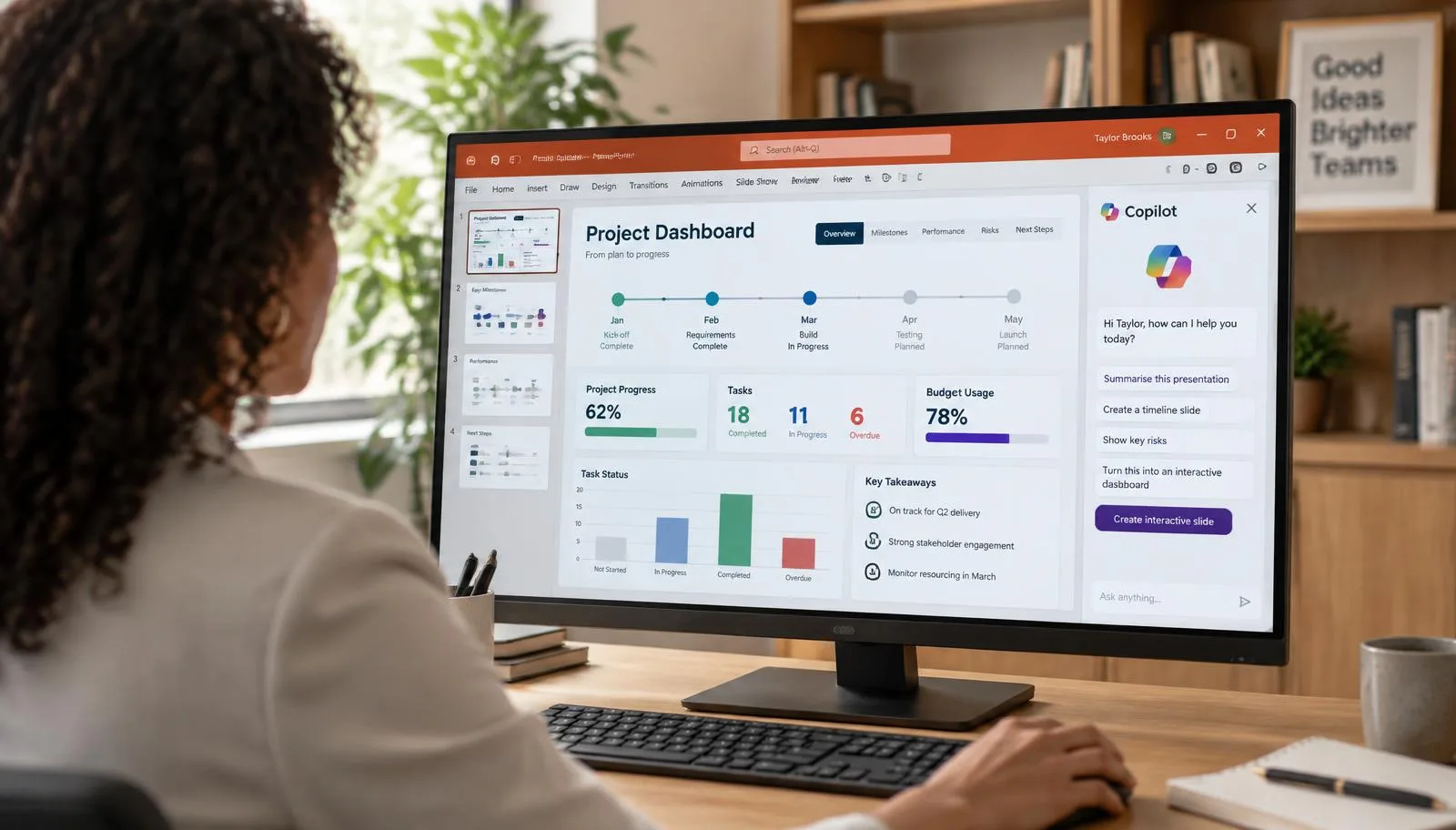
- Create interactive slides: Build dashboards, timelines and other slides your audience can explore.
- Work with your content: Ground interactive slides in information from your files and data.
- Create engaging experiences: Use Copilot to turn presentation content into interactive visual experiences.
Workshop content
Workshop outline
Guided practice with realistic workplace tasks.
- Understand how these capabilities extend Copilot in PowerPoint.
A guide to use after the workshop.
Your workshop includes a PDF participant guide with step-by-step instructions, screenshots, and exercises to help you review and apply what you've learned.



Live instruction
Learn with Gilles Essiambre
Live, guided practice with time for questions and feedback. Ask about a private session tailored to your team.
Frequently asked questions
Bring this workshop to your team.
Discuss group size, language and scheduling for a private live session.