
All Copilot courses

½ day Copilot series

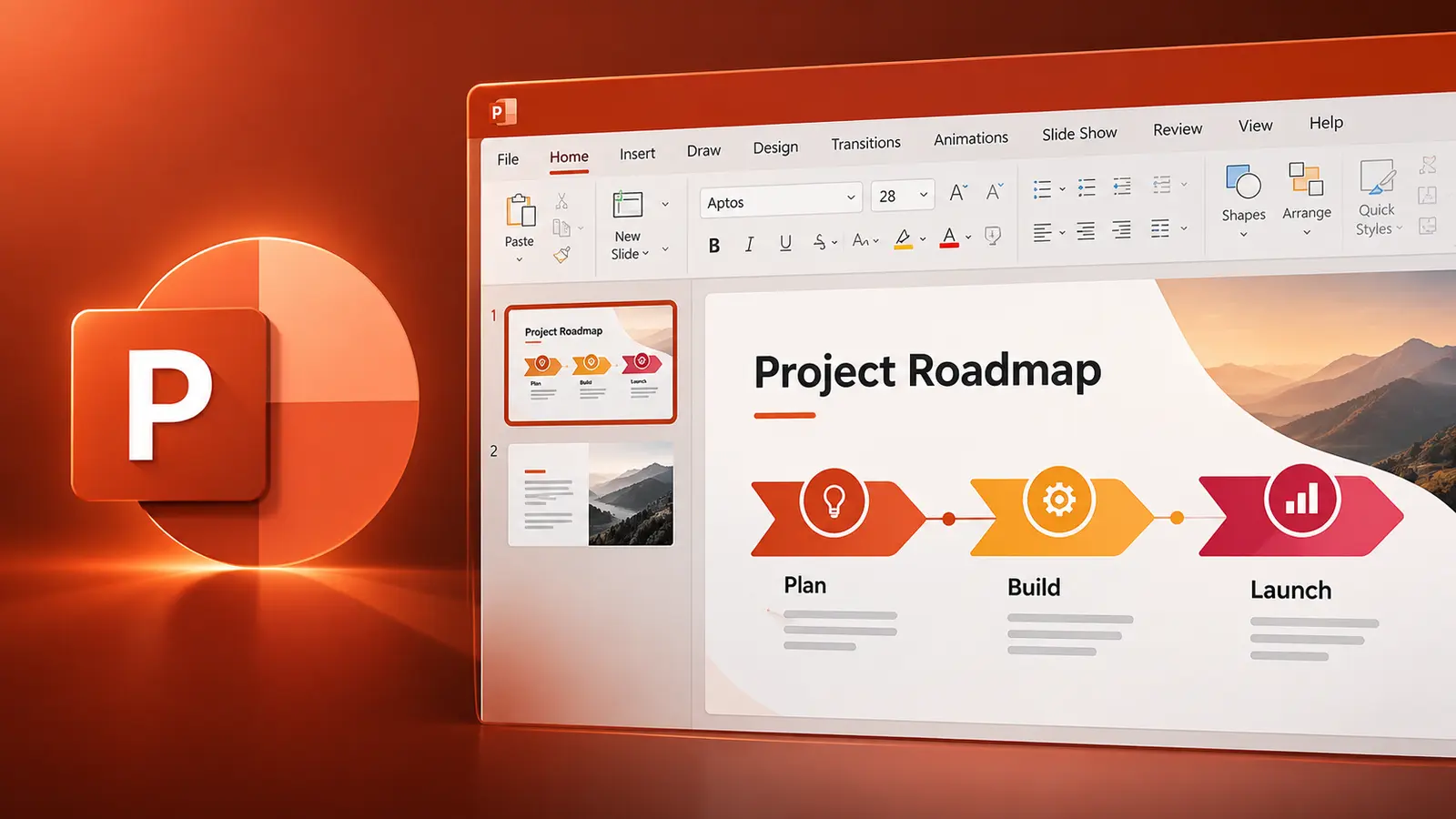
Copilot in PowerPoint

Build, Expand and Polish Presentations with Copilot

½ day (3 hours) Live online — English or French Intermediate Approximately 75% hands-on practice
Register

C$249 per workshop, per person

Course overview

Microsoft 365 Copilot in PowerPoint can help you turn ideas and information into compelling presentations faster. This focused, hands-on workshop concentrates on the PowerPoint workflows that deliver the greatest productivity gains for people who build decks for meetings, clients or leadership.

Participants learn how to create presentations from prompts and source material, build and expand decks while maintaining consistency, rewrite and edit slide content, and review presentations for accuracy, narrative flow and alignment with source information.

The session applies the Goal, Context, Constraints and Sources prompt framework throughout, with approximately 75% of the time spent on practical exercises using realistic business scenarios.

Course agenda

Unit 1 — Working Effectively with Copilot in PowerPoint

15 minutes

  • Navigate the current Copilot experience
  • Work with Copilot Chat and editing capabilities
  • Understand presentation context
  • Apply Goal, Context, Constraints and Sources
  • Understand why planning before generating matters

Hands-on practice: Transform a generic "create a presentation" request into an effective presentation prompt.

Unit 2 — Create Presentations from Prompts and Sources

45 minutes

  • Create a presentation from a prompt
  • Define audience and purpose
  • Establish the presentation narrative
  • Specify content expectations
  • Create presentations from existing source material
  • Reference supported files
  • Guide Copilot toward relevant source content
  • Review generated slides
  • Identify missing or unsupported information

Hands-on practice: Generate a presentation from supplied business information, review the result and progressively improve the instructions.

Unit 3 — Build and Expand Presentations

35 minutes

  • Add slides
  • Create slides grounded in source files
  • Add topics and sections
  • Generate slide-specific content
  • Create titles and captions
  • Add supporting information
  • Work with visual content
  • Maintain consistency and narrative flow

Hands-on practice: Expand an incomplete presentation using supplied source material.

Break

10 minutes

Unit 4 — Rewrite, Edit and Improve Presentations

40 minutes

  • Use Edit with Copilot
  • Update existing slide content
  • Rewrite text
  • Condense information
  • Adapt content for different audiences
  • Reorganize sections
  • Improve presentation flow
  • Transform document-style writing into presentation language
  • Reduce overloaded slides
  • Refine executive-level messaging

Hands-on practice: Improve several deliberately problematic slides and restructure part of an existing presentation.

Unit 5 — Understand, Review and Refine Presentations

35 minutes

  • Summarize presentations
  • Identify key slides
  • Extract action items
  • Ask questions about presentation content
  • Find specific information
  • Identify gaps in the narrative
  • Critique a presentation using Copilot
  • Check alignment with source information
  • Review content for accuracy
  • Apply final human judgement

Hands-on practice: Use Copilot to critique an existing presentation, identify weaknesses and make targeted improvements.

Key takeaway

Participants leave with a practical workflow for using Copilot throughout the presentation lifecycle—from creating grounded first drafts to building, editing and reviewing decks that communicate clearly and accurately.

What we cover

  1. 1Working effectively with Copilot in PowerPoint
  2. 2Create presentations from prompts and sources
  3. 3Build and expand presentations
  4. 4Rewrite, edit and improve presentations
  5. 5Understand, review and refine presentations