
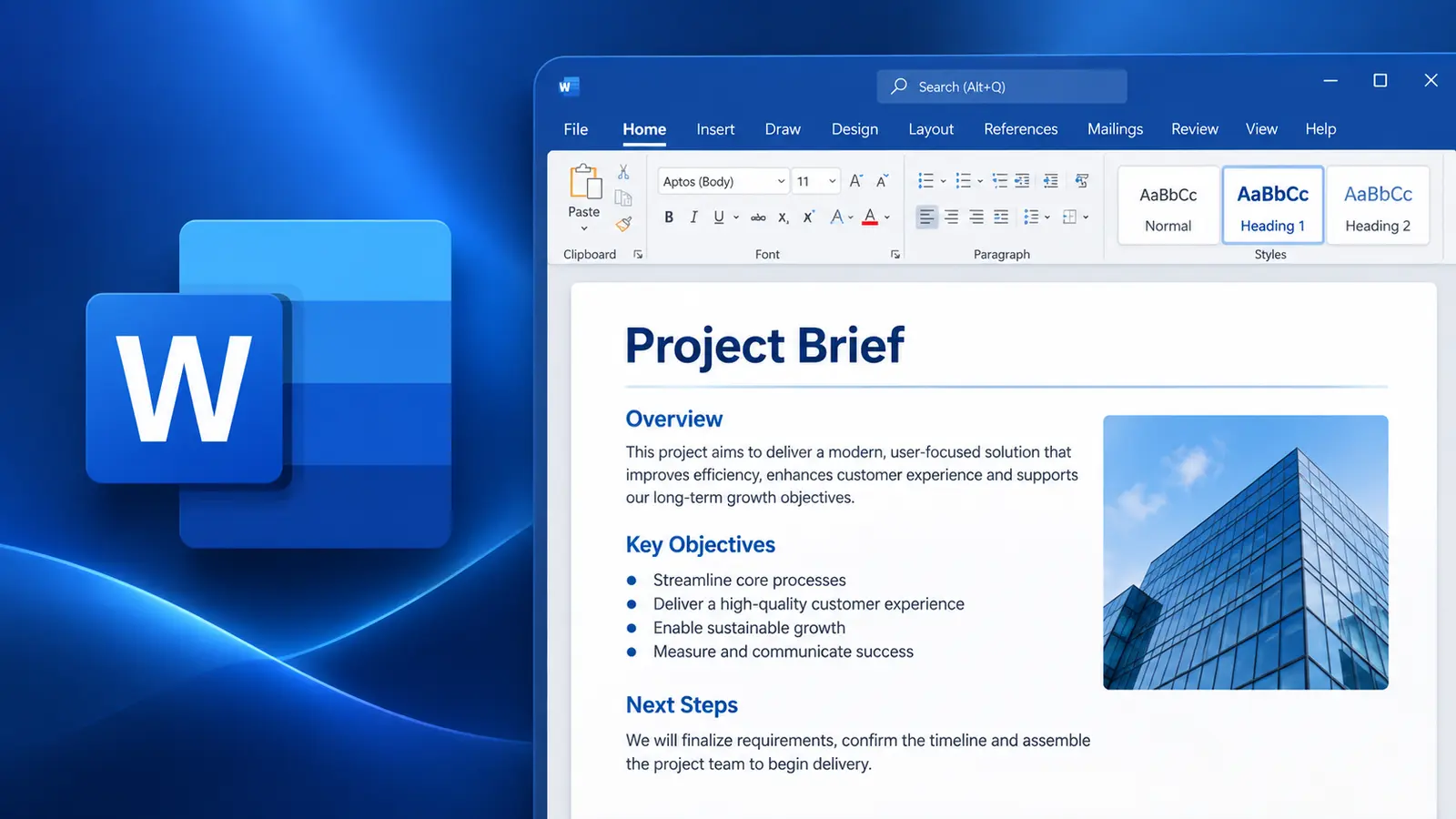

Microsoft Word Essentials
Microsoft Word is a powerful, easy-to-use word processor for reports, letters, memos and all sorts of documents. This course helps novice users get up to speed quickly, so they are comfortable creating, saving and sharing documents containing text, graphics and formatting.
- Delivery
- 6 hours
- Delivery
- Live online · English or French
- Price
- C$399
Per participant. Prices exclude HST and GST.

What you'll walk away with
- Create, edit and share professional documents
- Control character, paragraph and page formatting
- Use tables, graphics and proofing tools
Course objectives
- Understand how to open, save and close documents
- Insert and delete text to edit a document
- Change paragraph alignment, copy and replace text in a document
- Change character and paragraph formatting
- Use tab stops, indents, bullets, numbering and line spacing
- Use margins, page breaks, and headers and footers
- Improve readability by using the Editor and AutoText
- Streamline document creation by using templates
Course outline
Unit 1: Getting Started with Word
- Overview of the Microsoft Word interface
- Create a Word document
- Use document views and get help
Unit 2: Editing a Document
- Navigate through a document
- Select and modify text
- Find and replace text
Unit 3: Formatting Texts and Paragraphs
- Apply character formatting
- Align text using tabs
- Display text as list items
- Control paragraph layout
- Apply borders, shading and styles
Unit 4: Creating Tables
- Insert, modify and format tables
- Convert text to a table
Unit 5: Managing Lists
- Sort a list
- Renumber a list
- Customise a list
Unit 6: Adding Graphics
- Insert symbols and special characters
- Add images and media to a document
Unit 7: Controlling Page Appearance
- Apply a page border and colour
- Add a watermark to a document
- Add headers and footers
- Control page layout
Unit 8: Proofing a Document
- Check spelling and grammar
- Use the thesaurus and translator
- Check the accessibility of a document
Unit 9: Advanced Topics
- Customise the Word interface
- Set additional save options
- Manage additional file types
Related courses
Intermediate · 6 hours
Getting Started with M365 Copilot
Microsoft 365 Copilot helps you generate high-quality content in a fraction of the time. Whether you need to draft an email, a report or a presentation, Copilot can assist with smart suggestions and relevant examples across the apps you already use.
Foundation · 3 hours
Mastering Copilot Chat (Free Version)
A focused programme designed to help individuals leverage the power of Copilot Chat — Microsoft's basic Copilot option — to enhance productivity and streamline daily tasks.
Foundation · 6 hours
Microsoft Excel 365 (Level 1)
New to Excel or need a refresher? This course is designed to help you master the fundamentals of Excel and learn time-saving tips that will allow you to get things done more quickly and efficiently.
Want this course for your team?
I deliver every session personally, 100% live online, in a full day or two half days — in English or French.
