

Totbox — Microsoft 365 & AI Training

Microsoft PowerPoint Training

Microsoft PowerPoint Essentials

PowerPoint enables you to create and deliver great presentations that communicate your message effectively to various audiences. This course equips you with the skills to create presentations that are professional and engaging.

  • 6 hours
  • Live Virtual, instructor-led
  • English & French
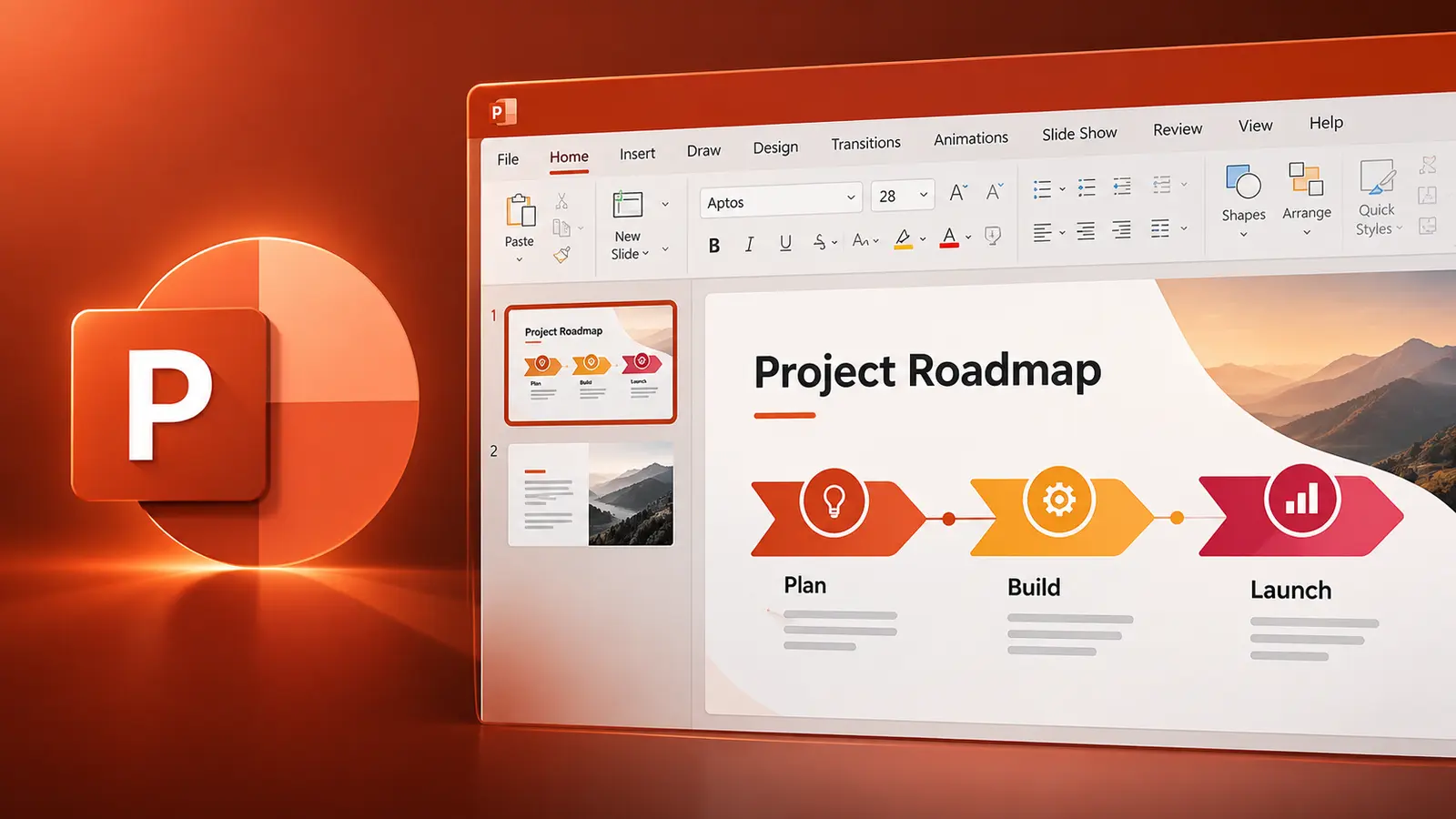
Microsoft PowerPoint Essentials course illustration

What you'll be able to do

Practical skills you can use right away

  • Start from templates

    Build presentations with themes and templates.

  • Format consistently

    Style text, objects and slide layouts.

  • Add visual content

    Work with graphics and objects on slides.

  • Deliver slide shows

    Prepare and run polished presentations.

Course content

Step-by-step, hands-on learning

This course combines live instruction, demonstrations and practical exercises.

  • Understanding presentation concepts
  • Creating and saving presentations
  • Viewing and navigating presentations

Upcoming PowerPoint Training

Next live virtual sessions

New training dates are added regularly.

Continue your PowerPoint learning

Keep building your practical skills

Microsoft Word Essentials

Microsoft Word is a powerful, easy-to-use word processor for reports, letters, memos and all sorts of documents. This course helps novice users get up to speed quickly, so they are comfortable creating, saving and sharing documents containing text, graphics and formatting.

View course

Gilles Essiambre, Totbox trainer

Live instruction

Learn with Gilles Essiambre

Live, guided practice with time for questions and feedback. Ask about a private session tailored to your team.

Ask About Team Training