

Be More Productive with Outlook
Is your inbox out of control? Have important tasks been falling through the cracks? This course increases your productivity through Outlook's tools and proven time-saving strategies.
View courseMicrosoft Outlook Training
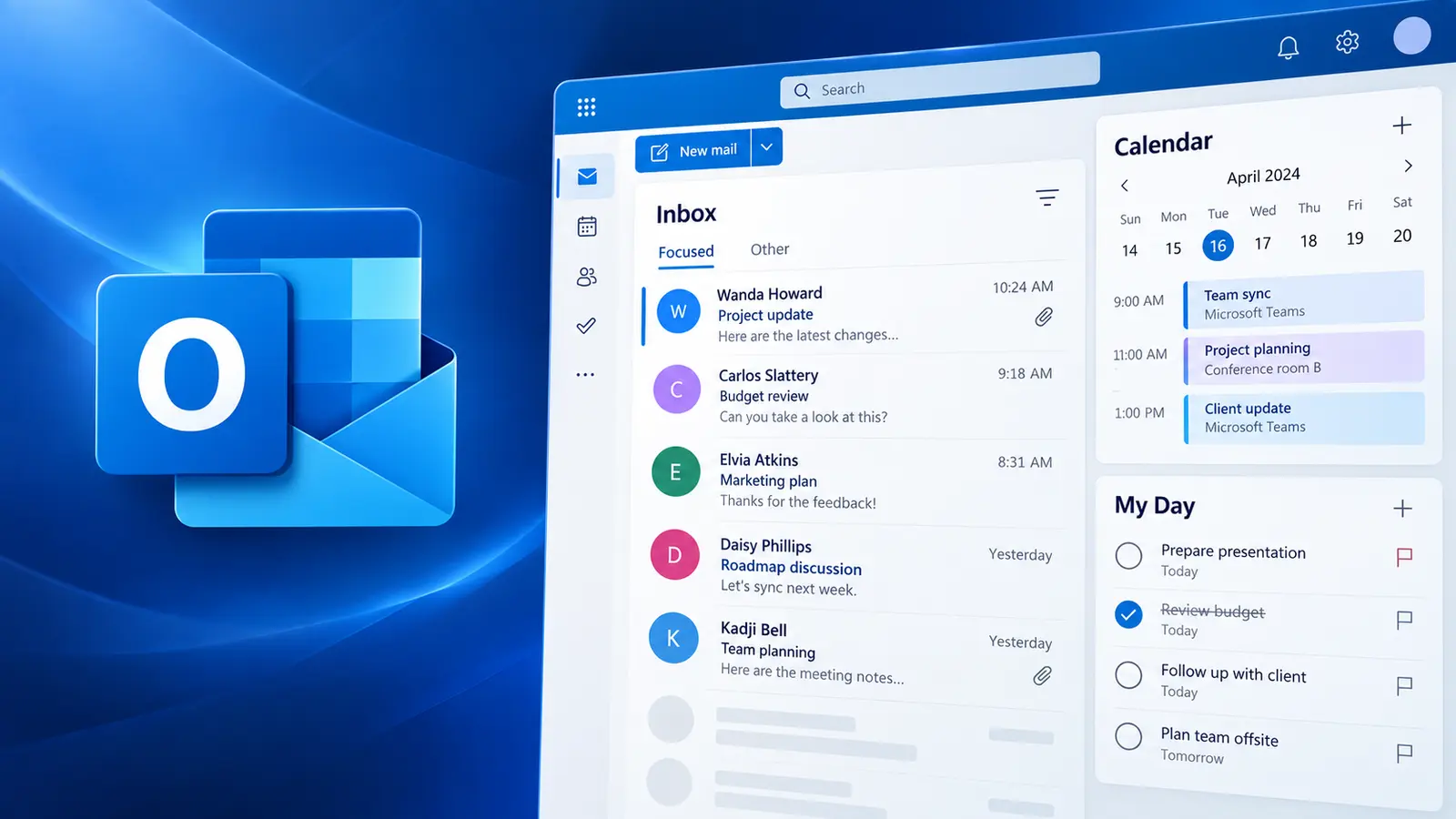
Work smarter with email, tasks, time, and Teams meetings. This hands-on course shows you how to use New Outlook and Microsoft 365 tools to manage email, tasks, calendar, and Teams meetings more effectively. Create a focused workspace, take control of email, manage tasks across Microsoft 365, and make better use of your calendar and Teams meetings.
What you'll be able to do
Use My Day, views and settings.
Apply smart strategies and key features.
Track tasks across Outlook, To Do, Teams and Planner.
Manage your calendar and run better meetings.
Course content
This course combines live instruction, demonstrations and practical exercises.
Upcoming Outlook Training
New training dates are added regularly.
Continue your Outlook learning
Is your inbox out of control? Have important tasks been falling through the cracks? This course increases your productivity through Outlook's tools and proven time-saving strategies.
View course
Live instruction
Live, guided practice with time for questions and feedback. Ask about a private session tailored to your team.