

Mastering Microsoft OneNote
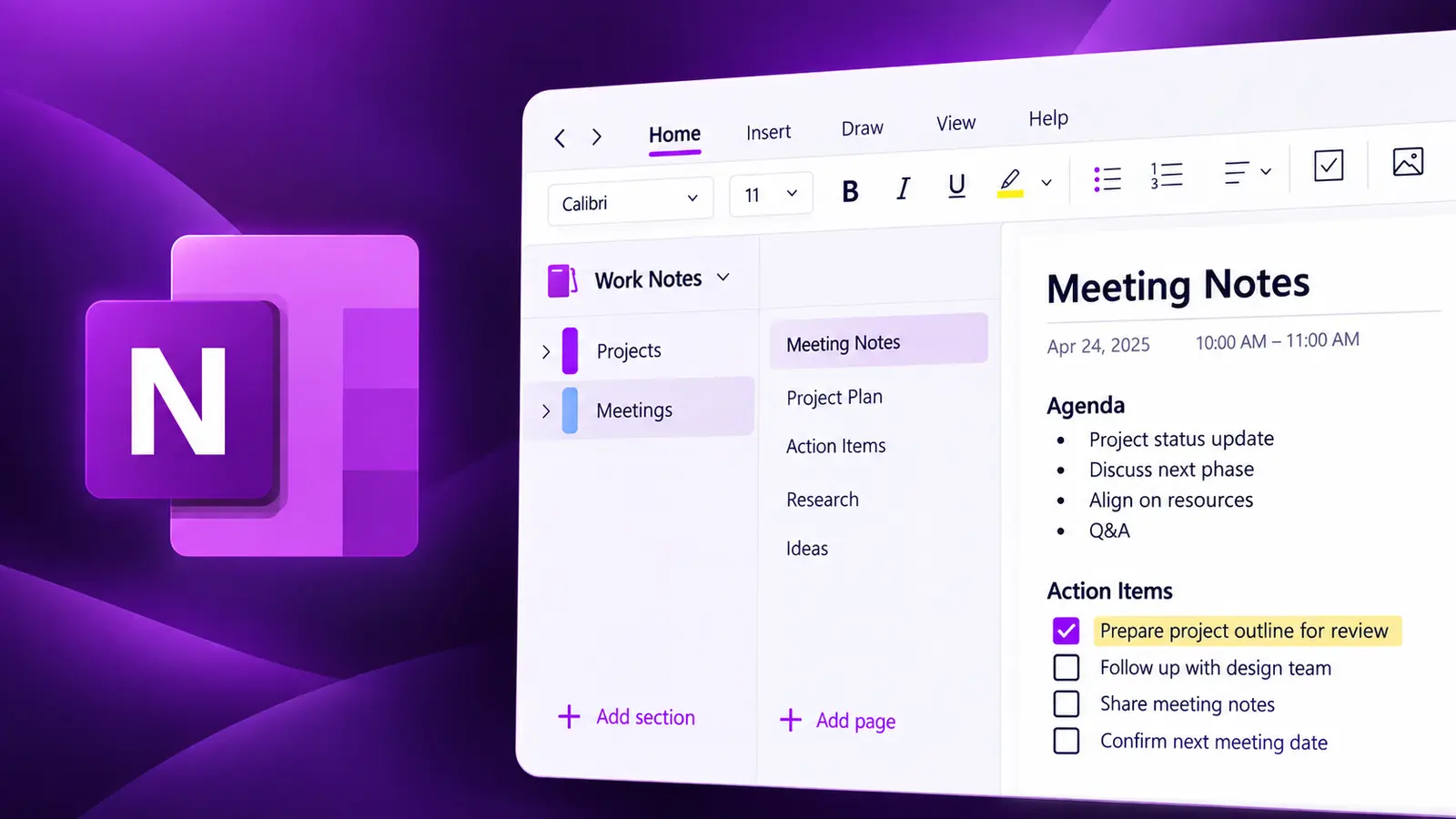
OneNote provides a central location to store all your notes and documents, with the flexibility to work with them as you prefer — capturing information in a variety of ways and organising it to suit your needs.
- Delivery
- 6 hours
- Delivery
- Live online · English or French
- Price
- C$399
Per participant. Prices exclude HST and GST.

What you'll walk away with
- Structure notebooks, sections and pages that scale
- Find anything fast with tags and search
- Collaborate on shared notebooks across Microsoft 365
Course objectives
- Create and structure notebooks, sections, section groups and pages
- Use tags to classify and retrieve information
- Collaborate on shared notebooks and manage synchronisation
- Integrate OneNote with Outlook, Teams and other apps
- Search across all open notebooks efficiently
Course outline
Unit 1: Introduction to OneNote Notebooks
- Understanding OneNote notebooks
- Overview of the OneNote interface
- Overview of OneNote menus and commands
Unit 2: Working with Notebooks, Sections & Pages
- Creating a new notebook and sections
- Password protecting a section
- Creating a new section group
- Creating pages, subpages and page templates
- Managing Quick Notes
Unit 3: Using Tags in OneNote
- Tagging an item and removing a tag
- Editing and deleting tags
- Finding tagged items and creating a summary page
Unit 4: Collaborating in OneNote
- Creating and opening a shared notebook
- Controlling notebook synchronisation
- Viewing notebook history and page versions
- Accessing the notebook recycling bin
Unit 5: OneNote Integration with other Microsoft 365 Apps
- OneNote integration with Outlook
- OneNote integration with Teams
- OneNote integration with other apps
Unit 6: Viewing & Searching your Notebooks
- Using the full-page view and the docked window
- Searching all open notebooks
- Navigating through search results
Related courses
Foundation · 3 hours
Managing Your Files with OneDrive
Work faster and smarter with anyone inside or outside your organisation. Securely share files and work together in real time using Word, Excel and PowerPoint across web, mobile and desktop.
Intermediate · 6 hours
Mastering Microsoft Lists
Create lists easily with Microsoft Lists, gather and analyse information through simple input forms, and establish data management and a seamless workflow within your team — no programming knowledge required.
Want this course for your team?
I deliver every session personally, 100% live online, in a full day or two half days — in English or French.
