
Information Management
Intermediate

Mastering Microsoft Lists

Create lists easily with Microsoft Lists, gather and analyse information through simple input forms, and establish data management and a seamless workflow within your team — no programming knowledge required.

Delivery
6 hours
Delivery
Live online · English or French
Price
C$399

Per participant. Prices exclude HST and GST.

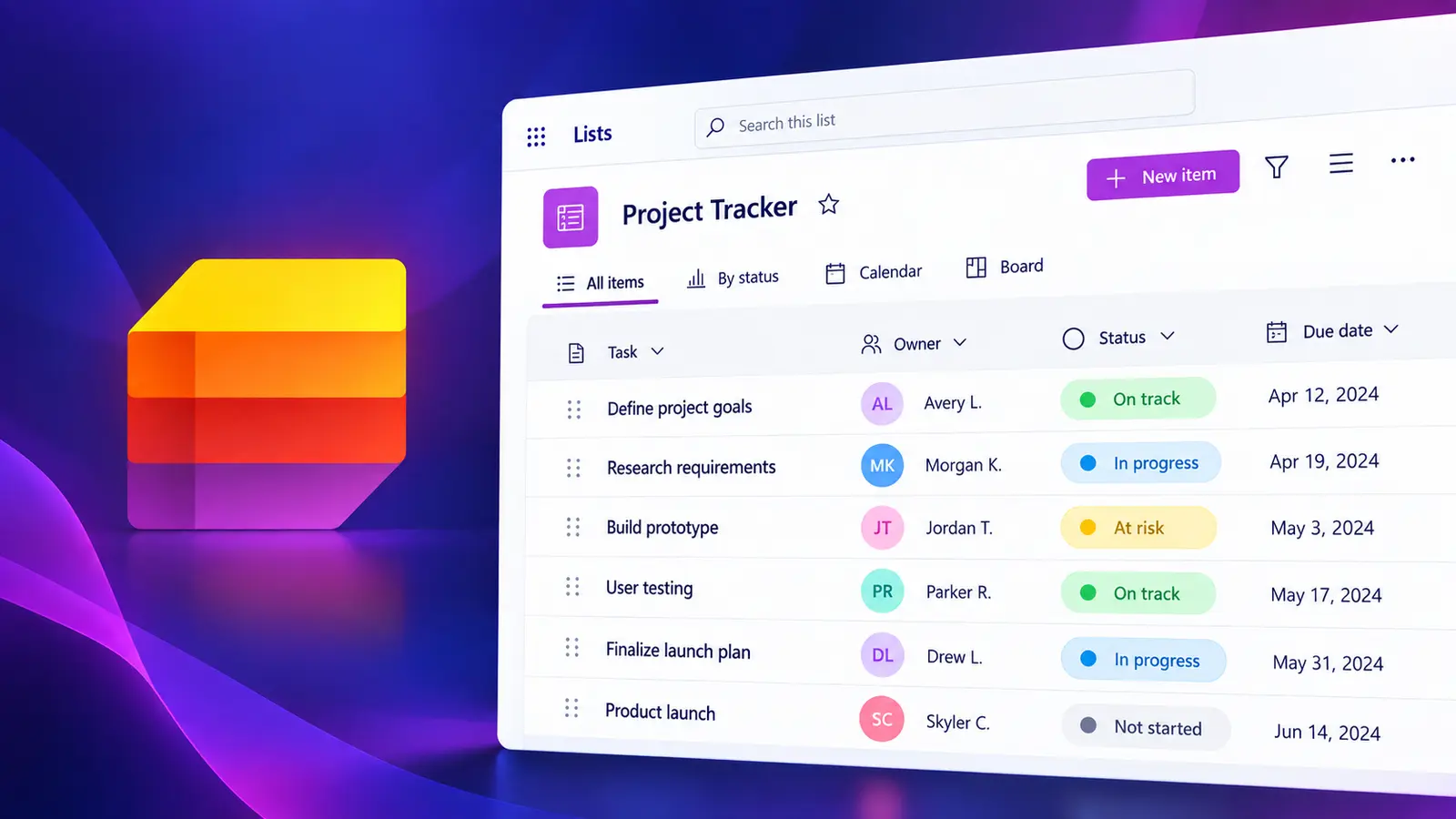
Mastering Microsoft Lists course illustration

What you'll walk away with

  • Build lists from scratch, Excel or templates
  • Design columns, views and filters that fit the work
  • Share, track and surface lists in Teams and SharePoint

Course objectives

  • Create lists from scratch or from Excel
  • Manage, edit and share lists
  • Integrate Microsoft Lists in Microsoft Teams
  • Work with field data types and the lookup column
  • Create new lists from existing ones
  • Sort and filter lists and work with views

Course outline

1

Unit 1: Introduction to Microsoft Lists

  • What Microsoft Lists is and how it works
  • Why Lists is useful for organising information across teams and projects
2

Unit 2: Creating New Lists

  • Creating a list from scratch
  • Creating a list from an existing list
  • Creating a list from an Excel workbook
  • Creating a list from a predefined template
3

Unit 3: Editing Lists

  • Editing items and modifying columns
  • Working with different column types
  • Setting up columns with menus and images
  • Working with views, sorting and filtering
  • Tracking changes with version history
4

Unit 4: Sharing and Collaborating on Lists

  • Sharing an entire list or specific items
  • Communicating with comments
  • Exporting a list
  • Getting alerts of changes on a list
5

Unit 5: Working with Lists in Other Apps

  • Using Lists in SharePoint
  • Working with Lists in Microsoft Teams

Want this course for your team?

I deliver every session personally, 100% live online, in a full day or two half days — in English or French.
