
Mastering Microsoft Forms
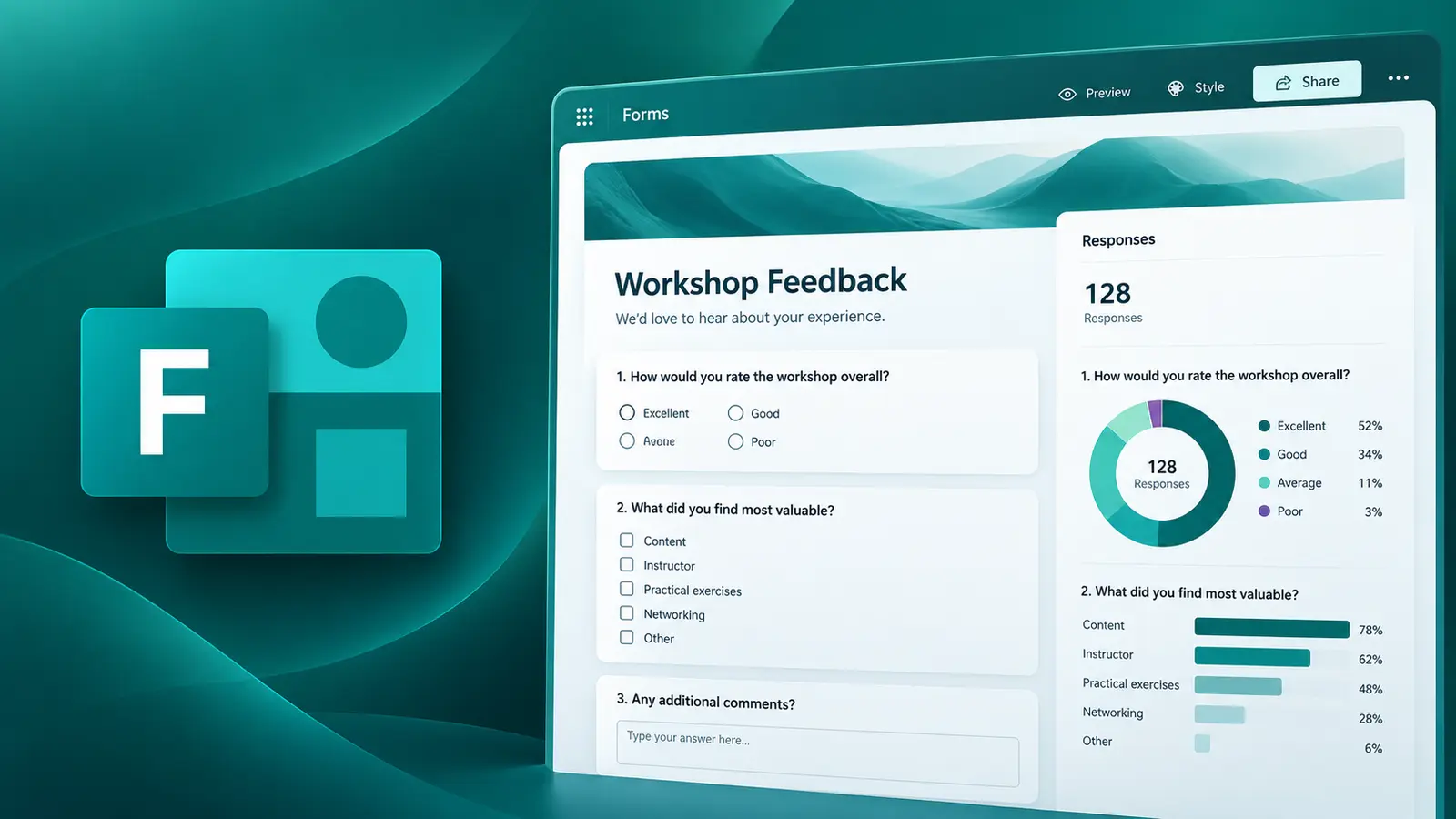
Microsoft Forms helps you create surveys, quizzes and polls to collect and analyze data quickly and efficiently. Learn how to design professional forms, share them securely, and interpret responses for actionable insights.
- Delivery
- 7 hours
- Delivery
- Live online · English or French
- Price
- C$399
Per participant. Prices exclude HST and GST.

What you'll walk away with
- Create professional forms, quizzes and polls for various purposes
- Collect and analyze responses using built-in tools
- Share forms securely and manage permissions for different audiences
Course objectives
- Understand Microsoft Forms and its role in Microsoft 365
- Create and customize forms with different question types
- Apply themes, branding and branching logic for personalized experiences
- Share forms via links, QR codes and embedding
- View responses, summary charts and export data to Excel
- Connect Forms with Teams, SharePoint and Power Automate
Course outline
Unit 1: Introduction to Microsoft Forms
- Overview of Microsoft Forms and its role in Microsoft 365
- Types of forms: surveys, quizzes, polls and navigation of the interface
Unit 2: Creating and Customizing Forms
- Add and format questions
- Use different question types (choice, text, rating, etc.)
- Apply themes and branding
Unit 3: Advanced Features
- Use branching logic for personalized experiences
- Add images, videos and rich media
- Configure quiz settings and automatic grading
Unit 4: Sharing and Collaboration
- Share forms via links, QR codes and embedding
- Manage permissions and audience settings
- Collaborate with team members
Unit 5: Analyzing and Exporting Data
- View responses and summary charts
- Export data to Excel for deeper analysis
- Use insights for decision-making
Unit 6: Integration and Best Practices
- Connect Forms with Teams, SharePoint and Power Automate
- Tips for effective form design and data security
Related courses
Foundation · 3 hours
Managing Your Files with OneDrive
Work faster and smarter with anyone inside or outside your organisation. Securely share files and work together in real time using Word, Excel and PowerPoint across web, mobile and desktop.
Foundation · 6 hours
Mastering Microsoft OneNote
OneNote provides a central location to store all your notes and documents, with the flexibility to work with them as you prefer — capturing information in a variety of ways and organising it to suit your needs.
Intermediate · 6 hours
Mastering Microsoft Lists
Create lists easily with Microsoft Lists, gather and analyse information through simple input forms, and establish data management and a seamless workflow within your team — no programming knowledge required.
Want this course for your team?
I deliver every session personally, 100% live online, in a full day or two half days — in English or French.
