

Microsoft Excel 365 (Level 2)
Master the use of formulas and advanced functions, effortlessly create and organise tables, filter and sort data, add and format engaging visuals, and confidently protect and finalise your workbooks.
View courseMicrosoft Excel Training
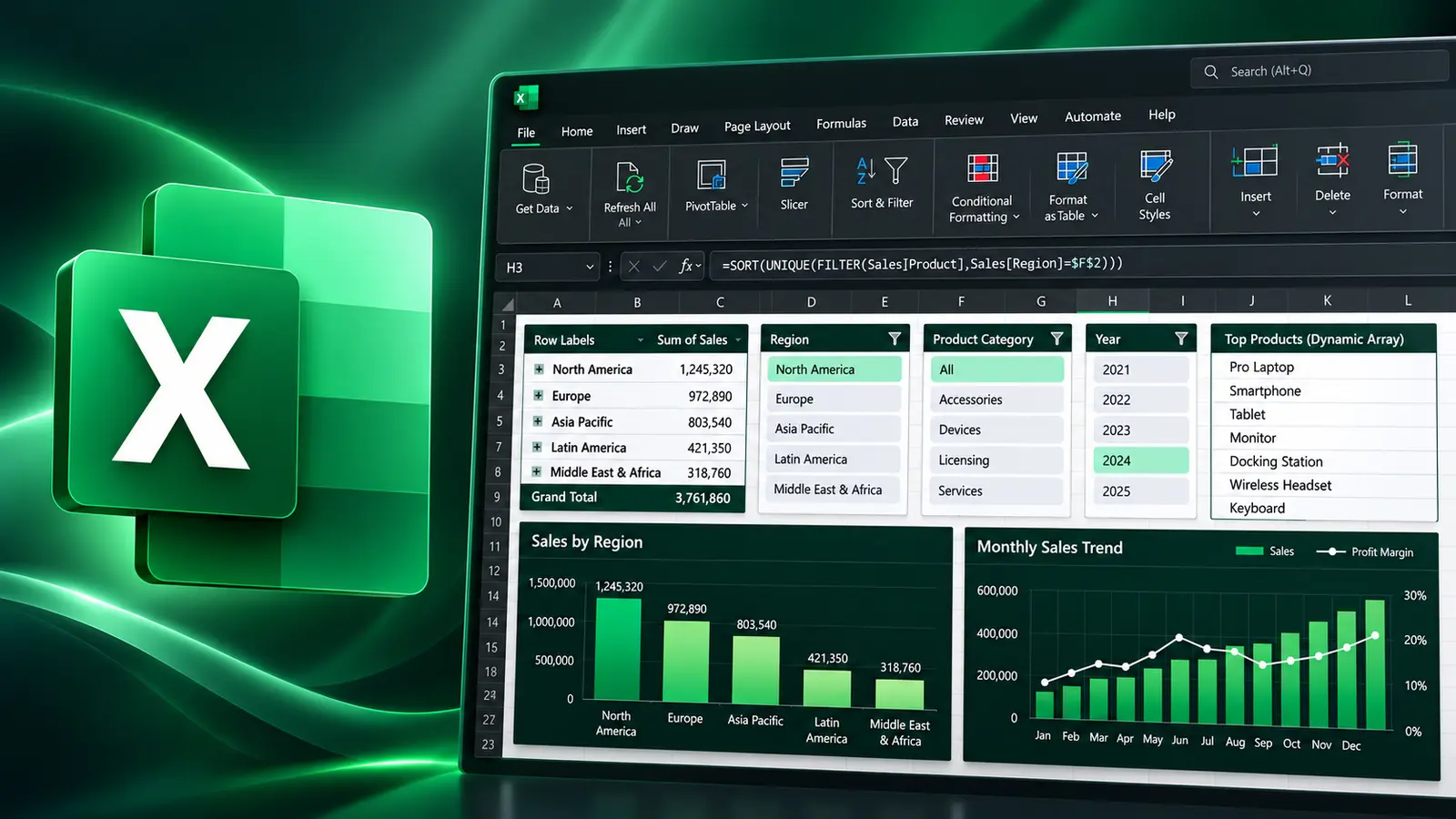
Learn how to create Excel tables, sort and filter data with a range of criteria, summarise and analyse information with PivotTables, and use database and dynamic array functions.
What you'll be able to do
Build and maintain structured Excel tables.
Analyze data with PivotTables and PivotCharts.
Explore data interactively.
Apply modern dynamic array formulas.
Course content
This course combines live instruction, demonstrations and practical exercises.
Upcoming Excel Training
New training dates are added regularly.
Continue your Excel learning
Master the use of formulas and advanced functions, effortlessly create and organise tables, filter and sort data, add and format engaging visuals, and confidently protect and finalise your workbooks.
View course
Live instruction
Live, guided practice with time for questions and feedback. Ask about a private session tailored to your team.