

Microsoft Excel 365 (Level 2)
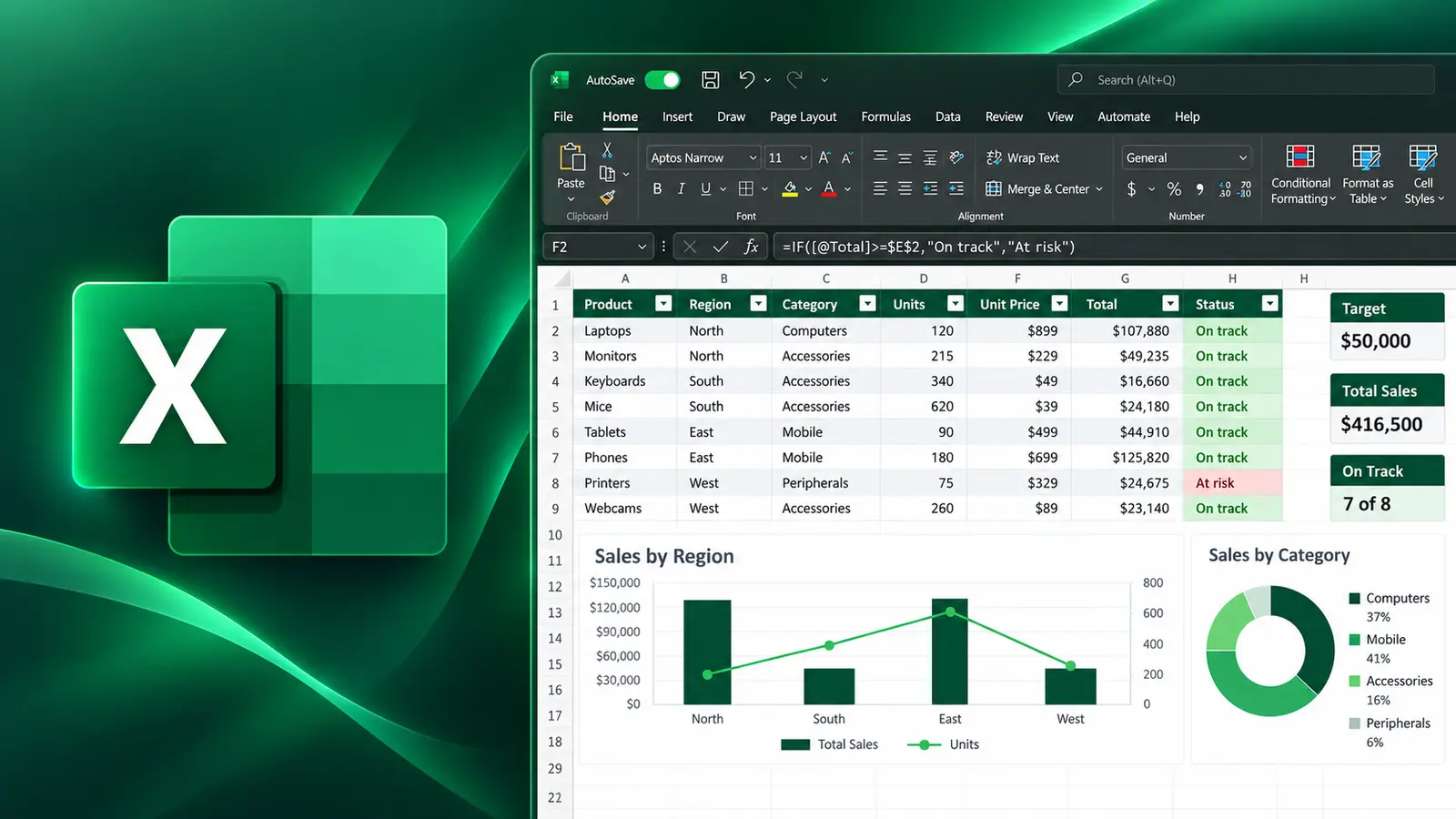
Master the use of formulas and advanced functions, effortlessly create and organise tables, filter and sort data, add and format engaging visuals, and confidently protect and finalise your workbooks.
- Delivery
- 6 hours
- Delivery
- Live online · English or French
- Price
- C$399
Per participant. Prices exclude HST and GST.

What you'll walk away with
- Use IF, IFS and linking formulas
- Create and modify charts that communicate clearly
- Apply worksheet security and data validation
Course objectives
- Organise, protect, display and enter data using various tools
- Use the IF function, the IFS function and create linking formulas
- Manage multiple workbooks, insert and manage multiple worksheets
- Create and modify charts to present data effectively
- Create and modify styles to format worksheets consistently
- Use notes and text boxes to annotate worksheets
- Become familiar with basic macro techniques
Course outline
Unit 1: Worksheet Organisation
- Managing range names
- Creating and using workbook templates
- Applying worksheet security
- Creating and using outlines
- Working with data validation
Unit 2: Working with Formulas
- Using the IF function
- Using the IFS function
- Linking formulas
- Modifying and restoring links
Unit 3: Using Multiple Workbooks & Worksheets
- Working with multiple workbooks
- Working with multiple worksheets
Unit 4: Working with Charts
- Creating charts
- Changing chart data
- Modifying chart elements
- Creating custom charts
Unit 5: Applying Formats
- Working with styles
- Annotating worksheets
- Using sparklines
Unit 6: Supplemental — Macros Overview
- Planning, recording and executing macros
- Maintaining macros
- Adding macros to the Quick Access Toolbar
Related courses
Intermediate · 6 hours
Getting Started with M365 Copilot
Microsoft 365 Copilot helps you generate high-quality content in a fraction of the time. Whether you need to draft an email, a report or a presentation, Copilot can assist with smart suggestions and relevant examples across the apps you already use.
Foundation · 3 hours
Mastering Copilot Chat (Free Version)
A focused programme designed to help individuals leverage the power of Copilot Chat — Microsoft's basic Copilot option — to enhance productivity and streamline daily tasks.
Foundation · 6 hours
Microsoft Excel 365 (Level 1)
New to Excel or need a refresher? This course is designed to help you master the fundamentals of Excel and learn time-saving tips that will allow you to get things done more quickly and efficiently.
Want this course for your team?
I deliver every session personally, 100% live online, in a full day or two half days — in English or French.
