
Oct28
Microsoft 365 Copilot Training
Getting Started with M365 Copilot
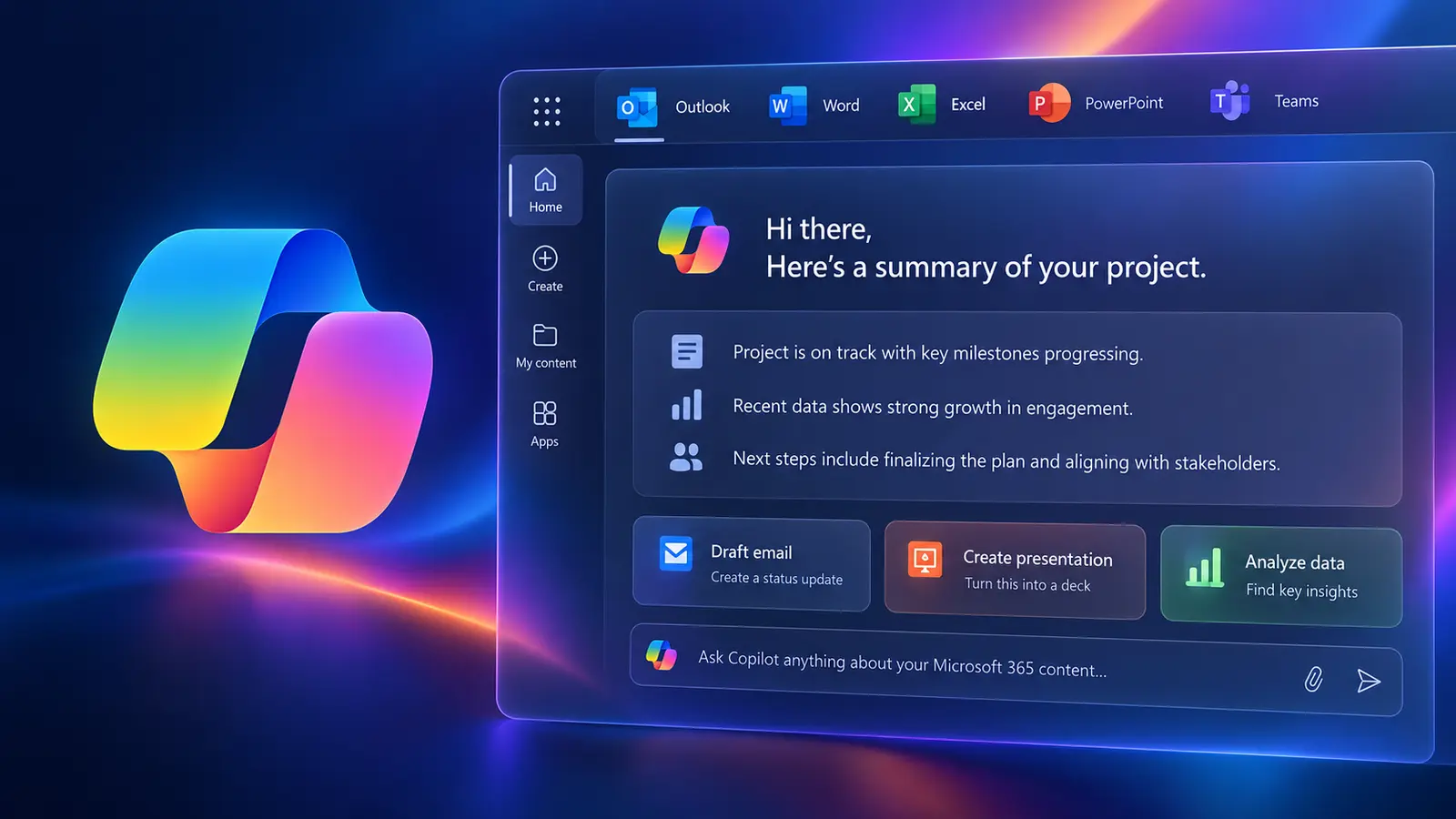
Microsoft 365 Copilot helps you generate high-quality content in a fraction of the time. Whether you need to draft an email, a report or a presentation, Copilot can assist with smart suggestions and relevant examples across the apps you already use.
- 6 hours
- Live Virtual, instructor-led
- English & French
What you'll be able to do
Practical skills you can use right away
Write stronger prompts
Get useful results from Copilot on the first try.
Use Copilot across apps
Apply it in Outlook, Word, Excel, PowerPoint and Teams.
Refine AI content
Edit and improve generated drafts with confidence.
Save time daily
Build Copilot into your everyday tasks.
Course content
Step-by-step, hands-on learning
This course combines live instruction, demonstrations and practical exercises.
- What is Microsoft 365 Copilot and how does it work?
- What are the benefits of using Microsoft 365 Copilot?
- How to access Copilot from different Microsoft 365 applications
- How to customise Copilot settings and preferences
Continue your 365 Copilot learning
Keep building your practical skills
;%20}%20.cls-2%20{%20fill:%20url(%23linear-gradient-2);%20}%20.cls-3%20{%20fill:%20url(%23radial-gradient);%20}%20.cls-4%20{%20fill:%20url(%23linear-gradient);%20}%20%3c/style%3e%3cradialGradient%20id='radial-gradient'%20cx='987.21'%20cy='1216.02'%20fx='987.21'%20fy='1216.02'%20r='2'%20gradientTransform='translate(-402710.6509%20-405348.4949)%20rotate(116.7194)%20scale(232.2644%20-445.8898)%20skewX(-9.7245)'%20gradientUnits='userSpaceOnUse'%3e%3cstop%20offset='.25'%20stop-color='%23109df2'/%3e%3cstop%20offset='.72'%20stop-color='%23aad445'/%3e%3cstop%20offset='.97'%20stop-color='%23ffd400'/%3e%3c/radialGradient%3e%3clinearGradient%20id='linear-gradient'%20x1='175.87'%20y1='498.29'%20x2='173.86'%20y2='137.69'%20gradientTransform='translate(0%20514)%20scale(1%20-1)'%20gradientUnits='userSpaceOnUse'%3e%3cstop%20offset='0'%20stop-color='%233dcbff'/%3e%3cstop%20offset='.25'%20stop-color='%230588f7'%20stop-opacity='0'/%3e%3c/linearGradient%3e%3cradialGradient%20id='radial-gradient-2'%20cx='987.17'%20cy='1215.84'%20fx='987.17'%20fy='1215.84'%20r='2'%20gradientTransform='translate(-214974.3479%20-373904.6811)%20rotate(116.0466)%20scale(242.0348%20-294.2735)%20skewX(.4853)'%20gradientUnits='userSpaceOnUse'%3e%3cstop%20offset='.07'%20stop-color='%238c48ff'/%3e%3cstop%20offset='.5'%20stop-color='%23f2598a'/%3e%3cstop%20offset='.9'%20stop-color='%23ffb152'/%3e%3c/radialGradient%3e%3clinearGradient%20id='linear-gradient-2'%20x1='337.55'%20y1='400.48'%20x2='337.35'%20y2='302.27'%20gradientTransform='translate(0%20514)%20scale(1%20-1)'%20gradientUnits='userSpaceOnUse'%3e%3cstop%20offset='.06'%20stop-color='%23f8adfa'/%3e%3cstop%20offset='.71'%20stop-color='%23a86edd'%20stop-opacity='0'/%3e%3c/linearGradient%3e%3c/defs%3e%3cpath%20class='cls-3'%20d='M347.3,115.17l-5.16,20.63h-49.62c-36.77,0-68.82,25.03-77.74,60.7l-44.92,179.7h-89.69c-52.13,0-90.38-48.99-77.74-99.57L47.46,96.53C59.35,48.97,102.08,15.6,151.11,15.6h118.45c52.13,0,90.38,48.99,77.74,99.57Z'/%3e%3cpath%20class='cls-4'%20d='M347.3,115.17l-5.16,20.63h-49.62c-36.77,0-68.82,25.03-77.74,60.7l-44.92,179.7h-89.69c-52.13,0-90.38-48.99-77.74-99.57L47.46,96.53C59.35,48.97,102.08,15.6,151.11,15.6h118.45c52.13,0,90.38,48.99,77.74,99.57Z'/%3e%3cpath%20class='cls-1'%20d='M164.7,396.83l5.16-20.63h49.62c36.77,0,68.82-25.03,77.74-60.7l44.92-179.7h89.69c52.13,0,90.38,48.99,77.74,99.57l-45.02,180.1c-11.89,47.56-54.63,80.93-103.66,80.93h-118.45c-52.13,0-90.38-48.99-77.74-99.57Z'/%3e%3cpath%20class='cls-2'%20d='M164.7,396.83l5.16-20.63h49.62c36.77,0,68.82-25.03,77.74-60.7l44.92-179.7h89.69c52.13,0,90.38,48.99,77.74,99.57l-45.02,180.1c-11.89,47.56-54.63,80.93-103.66,80.93h-118.45c-52.13,0-90.38-48.99-77.74-99.57Z'/%3e%3c/svg%3e)
Mastering Copilot Chat
A practical introduction to Copilot Chat to improve productivity, communication, writing, research and information management. Designed for users who are new to Copilot or who want to build confidence with AI, this course helps you understand what Copilot can do, ask better questions, and turn generated results into useful workplace content.
View course
Live instruction
Learn with Gilles Essiambre
Live, guided practice with time for questions and feedback. Ask about a private session tailored to your team.